 Focus
On your own, or with your team.
Focus is the same app either way. Use it alone for your own work, or make a team account and invite the people you work with.
On this page
Who it is for
One person
Sign up and start. Your account is yours alone: your workspaces, tasks, goals, notes and time. Working alone is one seat, and nothing in the app asks you to bring a team.
A small team
Make a team, invite your colleagues by email and decide who sees what. Everyone has their own dashboard, Inbox and timer, on top of the work you share.
A company
Use groups, roles and sharing by workspace, folder or list to keep many people organised. If you work for clients, you can share a single list with a client contact as a free guest.
How a team starts
A company is set up in a few minutes, and you can try all of it first.
Sign up and create a team
Everyone starts with a personal account. From the account menu, choose Create a team, give it a name and you are its Owner.
Invite people
Invite by email as an Admin or a Member. You can add them to groups and give them their first shares in the same step. An invitation waits until it is accepted, withdrawn or expires.
Share what they need
Give a person or a group access to a whole workspace, a folder or just one list, at the level that suits them.
Roles and access
A role says what someone can do in the account. A share says where they can do it.
Owner
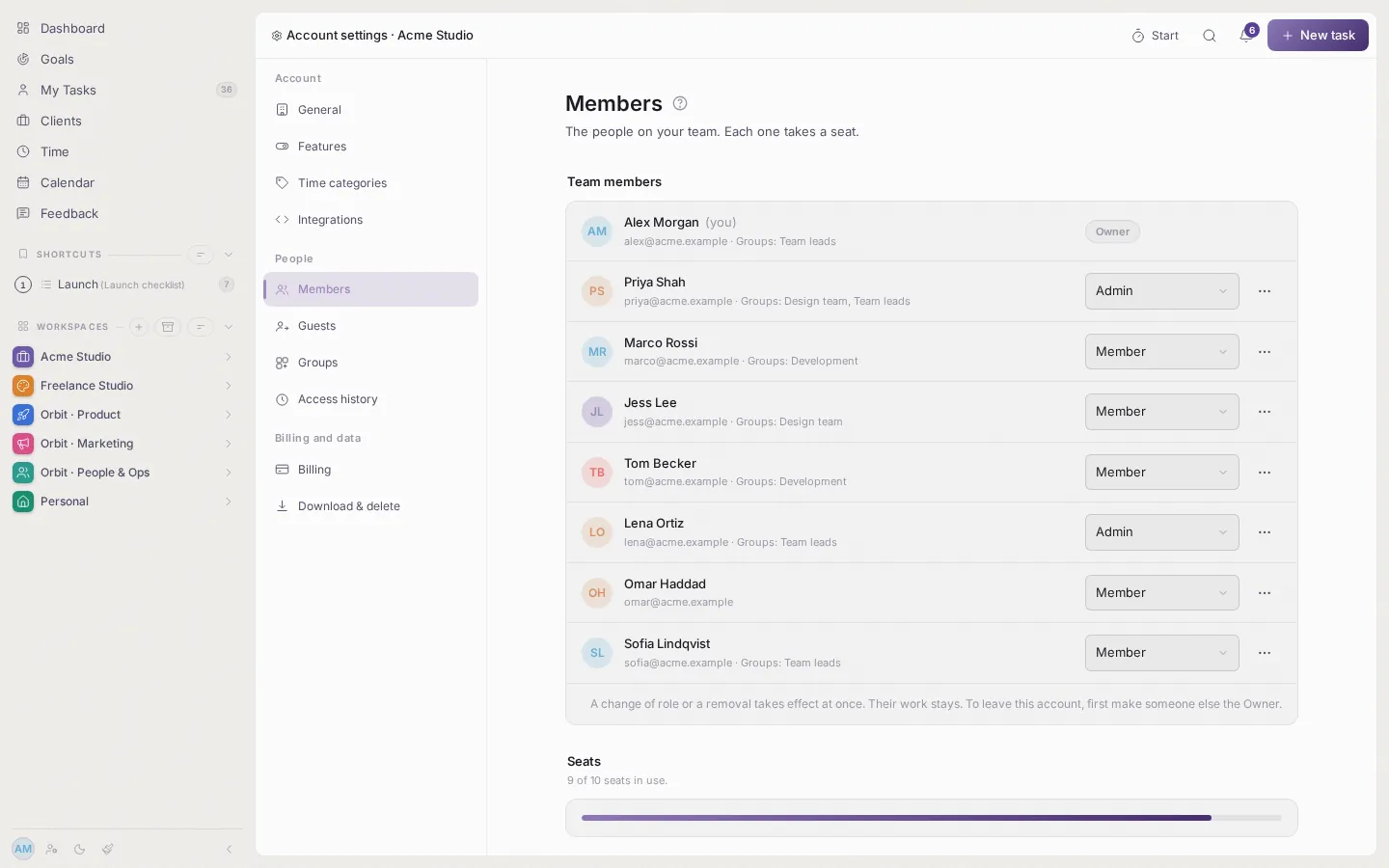
Everything, including billing and seats. There is one Owner, and ownership can be handed over.
Admin
Manages people, groups, invitations and sharing. Cannot touch billing or delete the account.
Member
Works in what has been shared with them, and in their own personal pages.
Guest
Sees only the one list or folder shared with them. Free, no seat, and never sees the team.
Share at any level
Share a whole workspace, one folder or a single list. A share on a workspace covers everything inside it, and a share on a list covers only that list. Access is one of four levels: Viewer, Contributor, Editor or Manager. If someone gets access in two ways, the higher level applies.
Groups
Put people in groups such as Design or Development and share with the group. When someone joins or leaves it, their access follows.
See who can open what
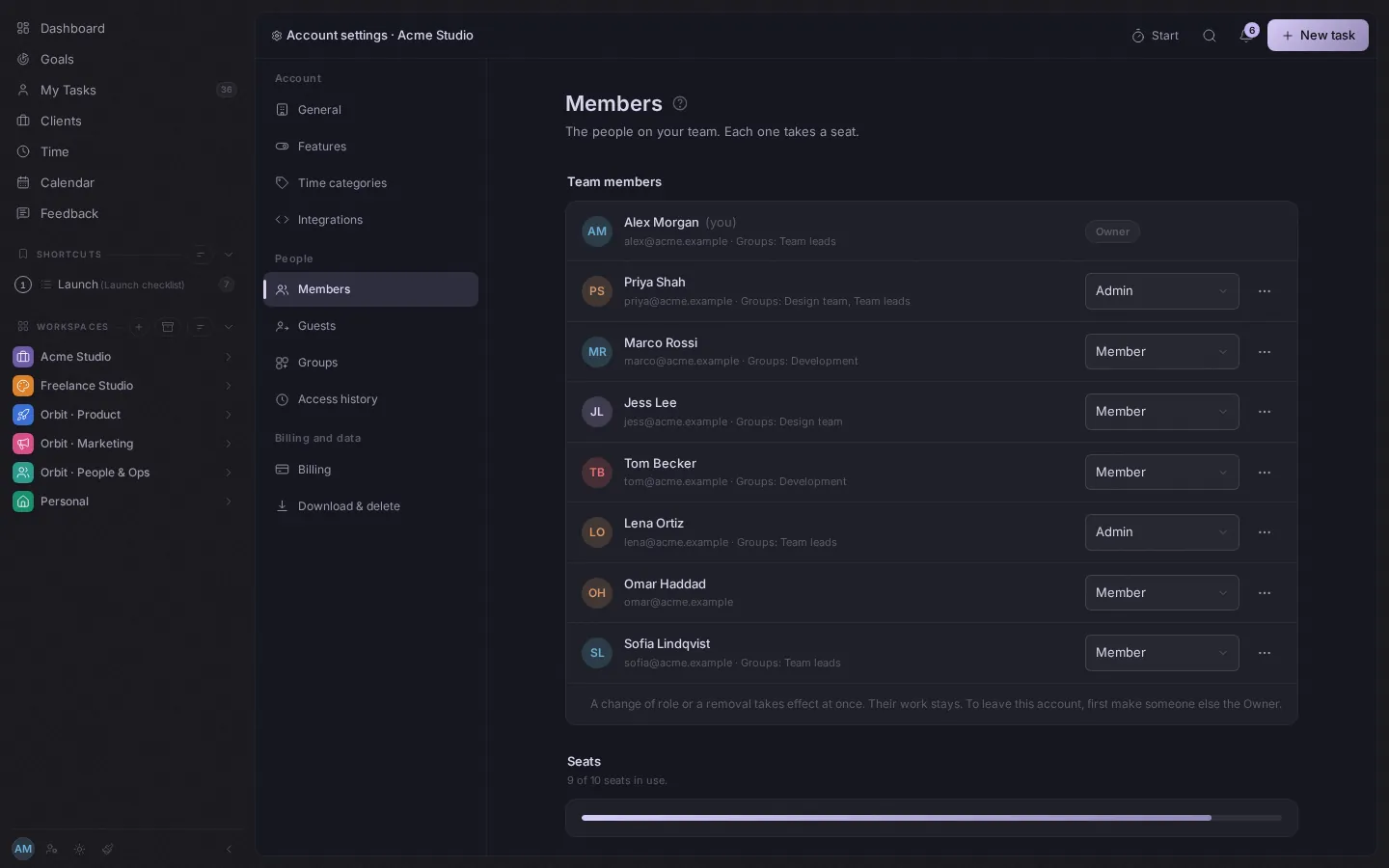
The people page lists members, groups and guests, and what each can open. Owners and Admins can change roles, suspend or remove someone, and every change is recorded.
Working together
The same tasks, lists and time tracking, with people in them.
Tasks and comments
Assign tasks, set due dates and priorities, and talk in comments on the task itself.
Notes and threads
Keep shared notes and threads next to the work they are about.
Time, if you want it
The team can track time with a stopwatch, a countdown or Pomodoro, or switch time tracking off for the whole account.
Clients, if you need them
Agencies and studios can add clients, rates and statements. A team that does not bill anyone can ignore them.
Guests and clients
Work with people outside the team without giving them the team.
Share one list or one folder with someone outside the company, as a Viewer or a Contributor. They can look, add tasks and comment on that and nothing else. They do not take a seat, so they are free.
Your account stays yours
Accounts are kept apart.
Each account's work is separate from every other account's. Someone on your team sees only what has been shared with them, and your personal dashboard, Inbox and notifications are never shared. If you belong to more than one account, you switch between them from the account menu.
Seats and price
Every team member is one seat at $10 a month, with every feature included. Working alone is one seat. Guests are free. The first 30 days are free and no card is needed. See pricing