Focus
Everything Focus does.
Focus is a simple task manager first. Everything below is there when you want it and out of the way when you don't. Every picture on this page is the real app with sample data. You can try it yourself on the demo page.
On this page
Plan the work
Lists, folders and workspaces that go as deep as your work does, and a first page that is yours to arrange.
Organise your work
Lists in folders, folders in workspaces. See a list as rows, a grid or a focus view, and save the views you use every day.
The task panel
Open a task beside its list: status, priority, due date, subtasks, tags, files and comments.
Goals
Set a goal, split it into sub-goals, and link tasks so progress follows by itself.
Repeats, tags and custom fields
Repeat a task weekly or monthly. Tag it, and add the fields your work needs, such as a number, a date or a choice.
Notes
Write notes and threads and link them to a client, a task or a list.
Your dashboard
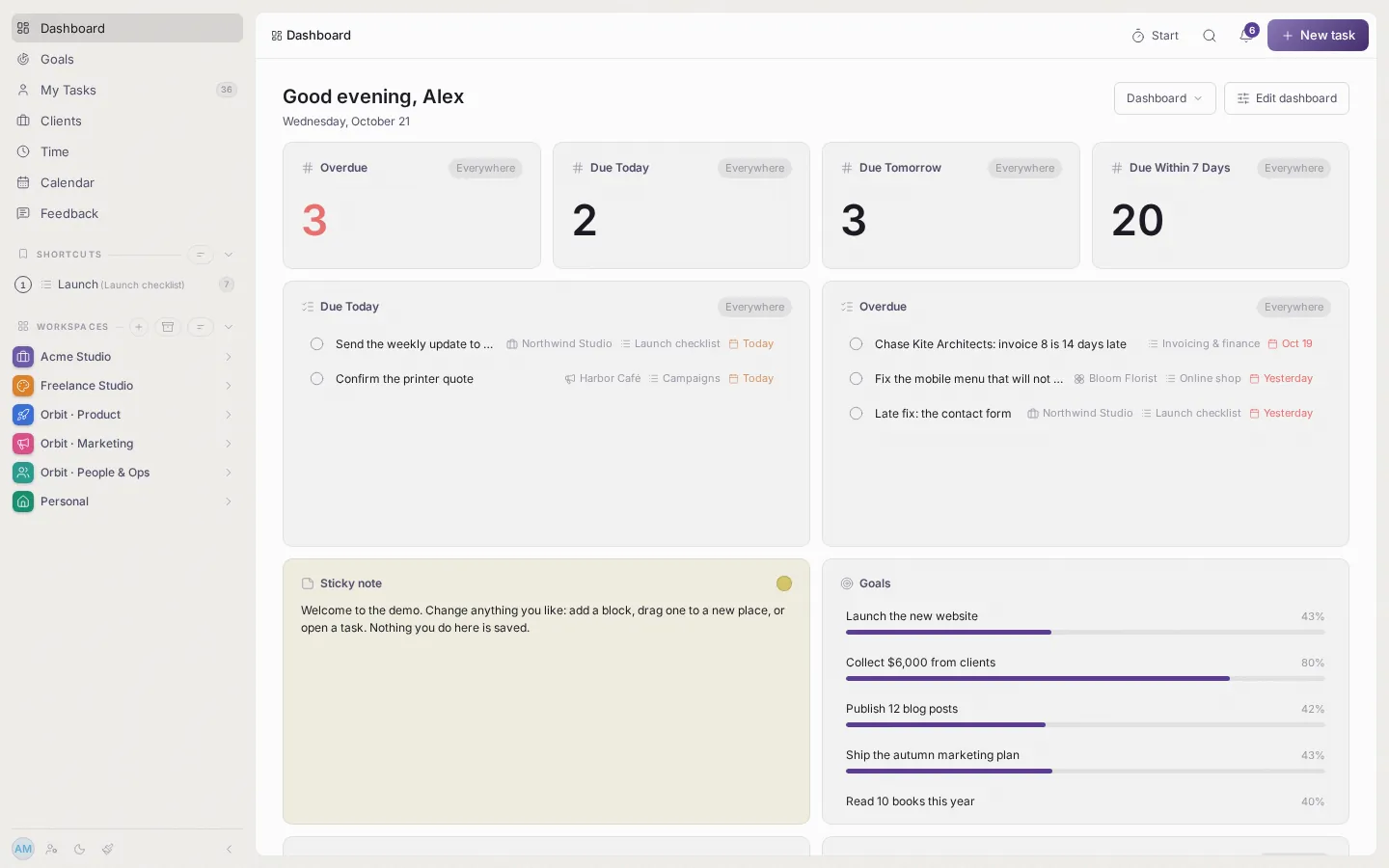
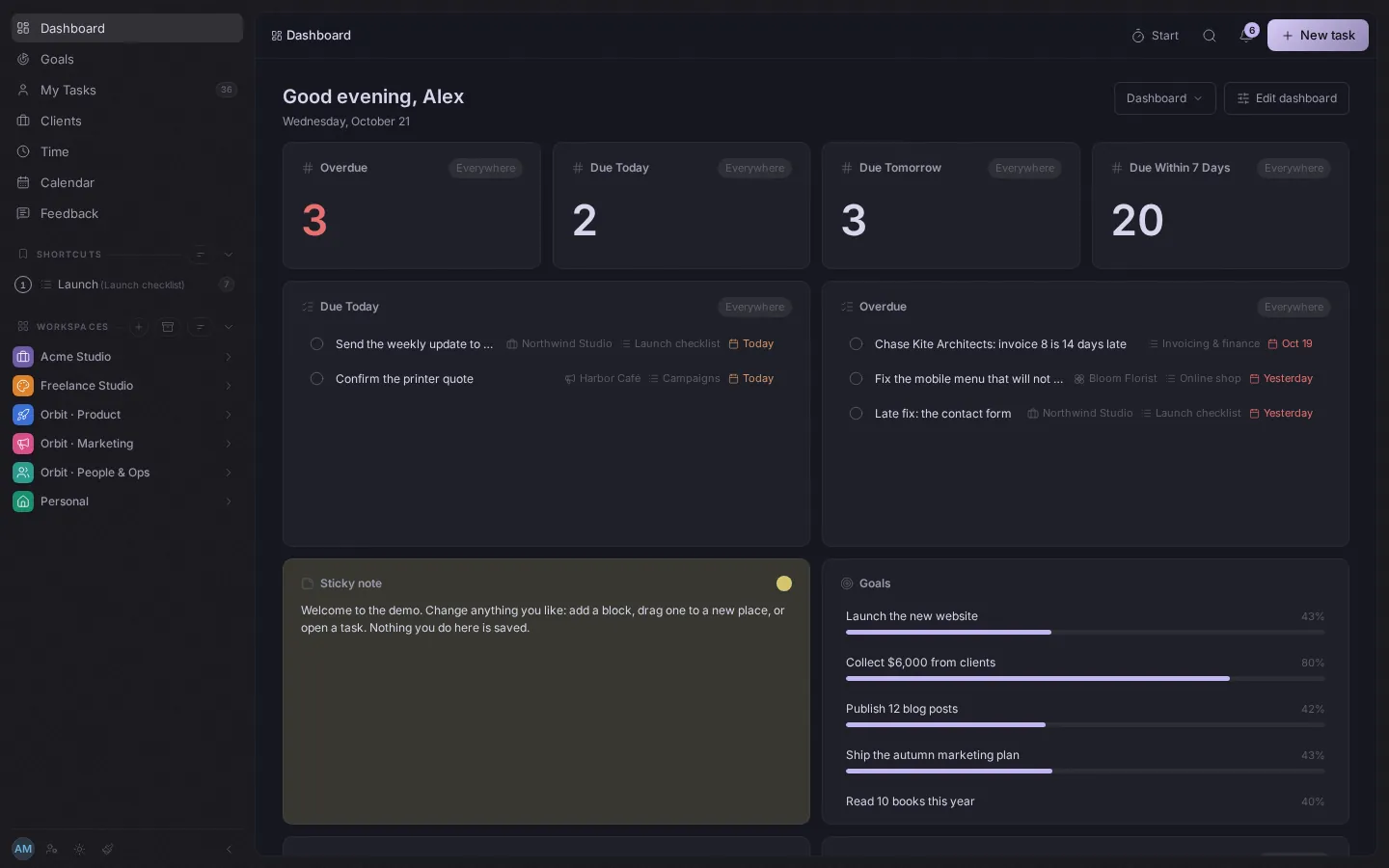
Add blocks for tasks, time, goals and clients, then drag them where you want them.
Inbox and search
The Inbox gathers what needs you. Search (Ctrl+K) finds any task from anywhere.
Your activity log
A personal record of what you did and when, with filters, so you can look back on a week.
Make it yours
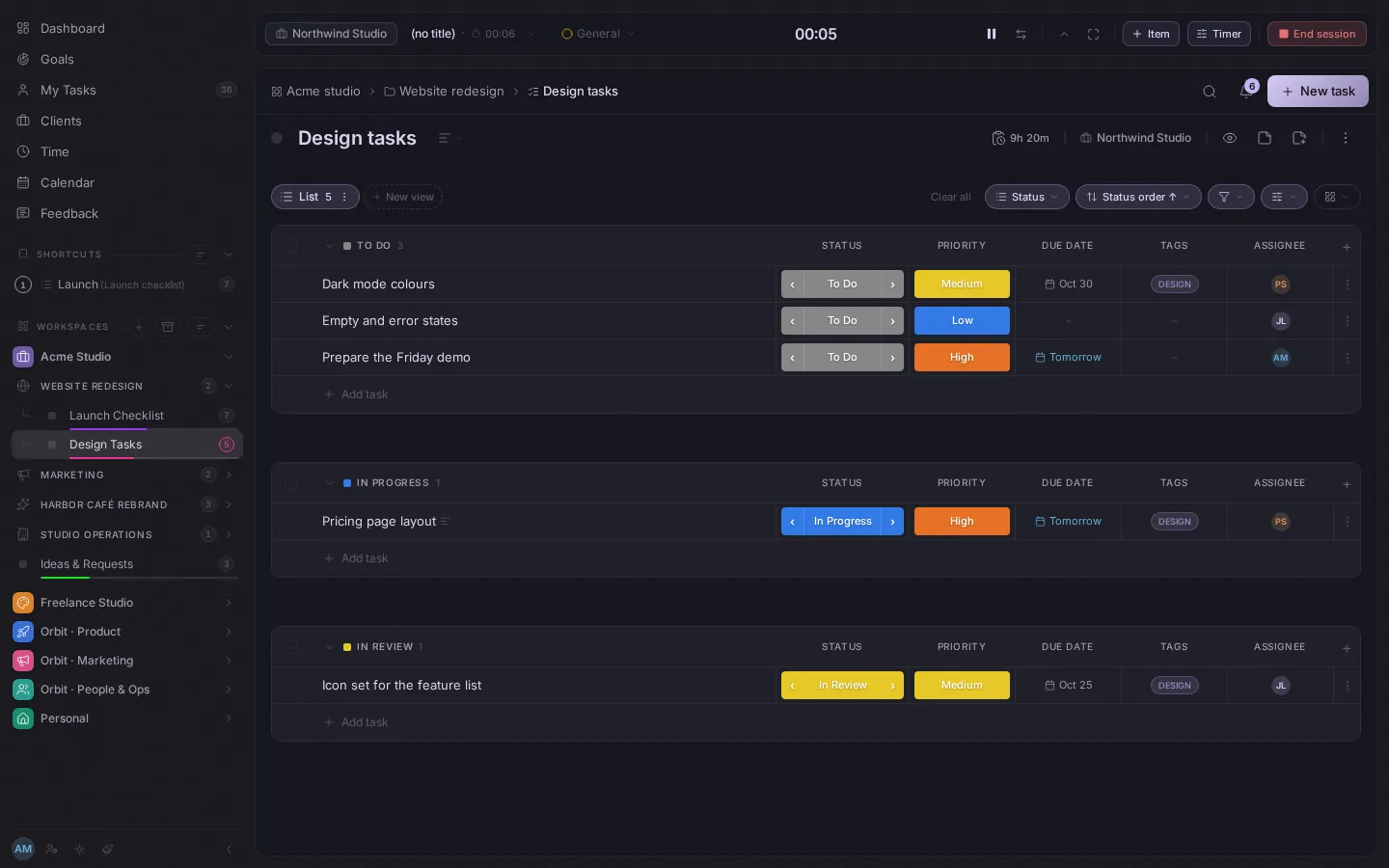
Simple is different for everyone. Make the app as lean or as full as you like, and look the way you like to work.
As lean as you like
Hide any item in the sidebar, reorder the rest, and switch time tracking and clients off for the whole account. Nothing you turn off gets in your way.
Atmospheres
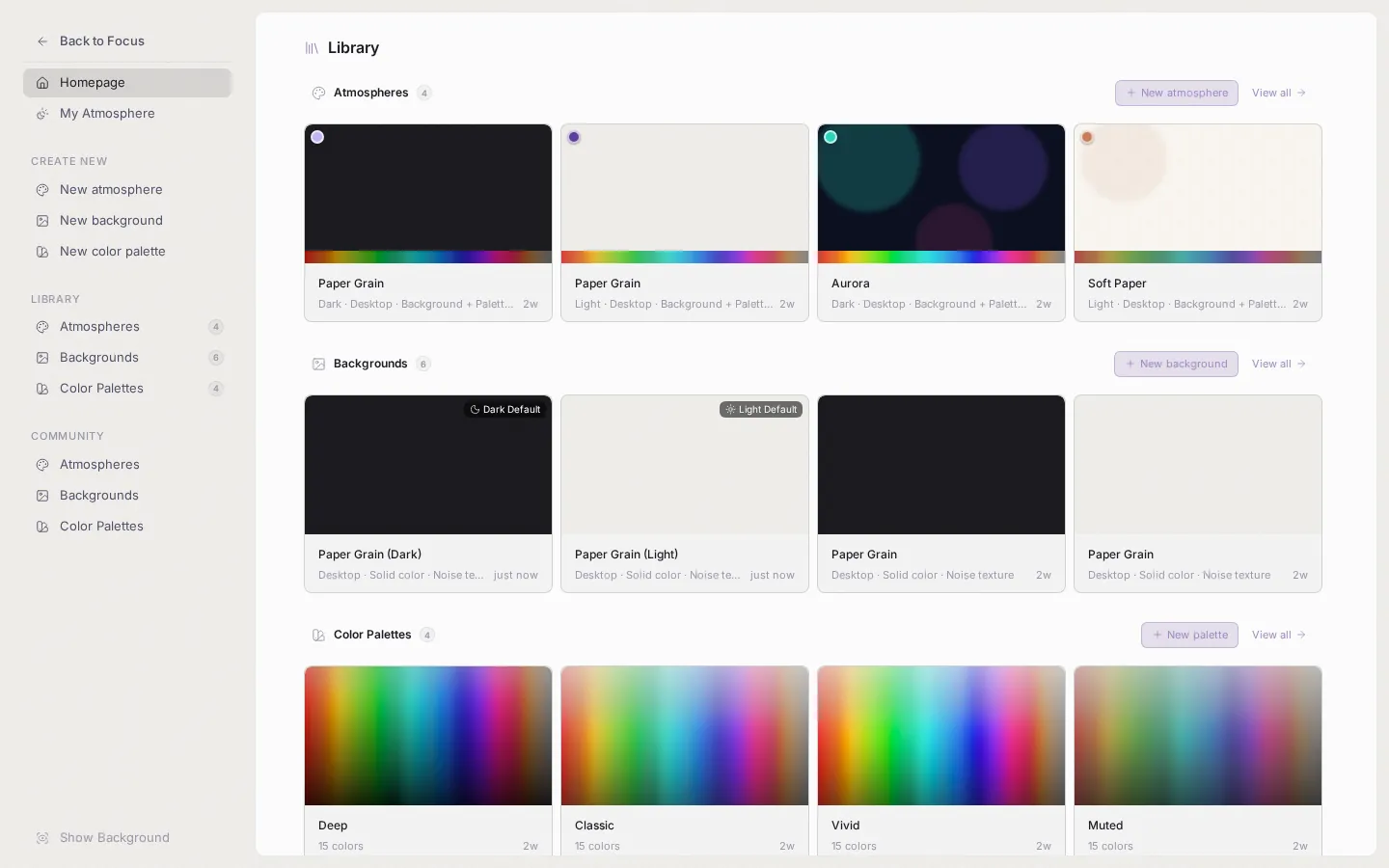
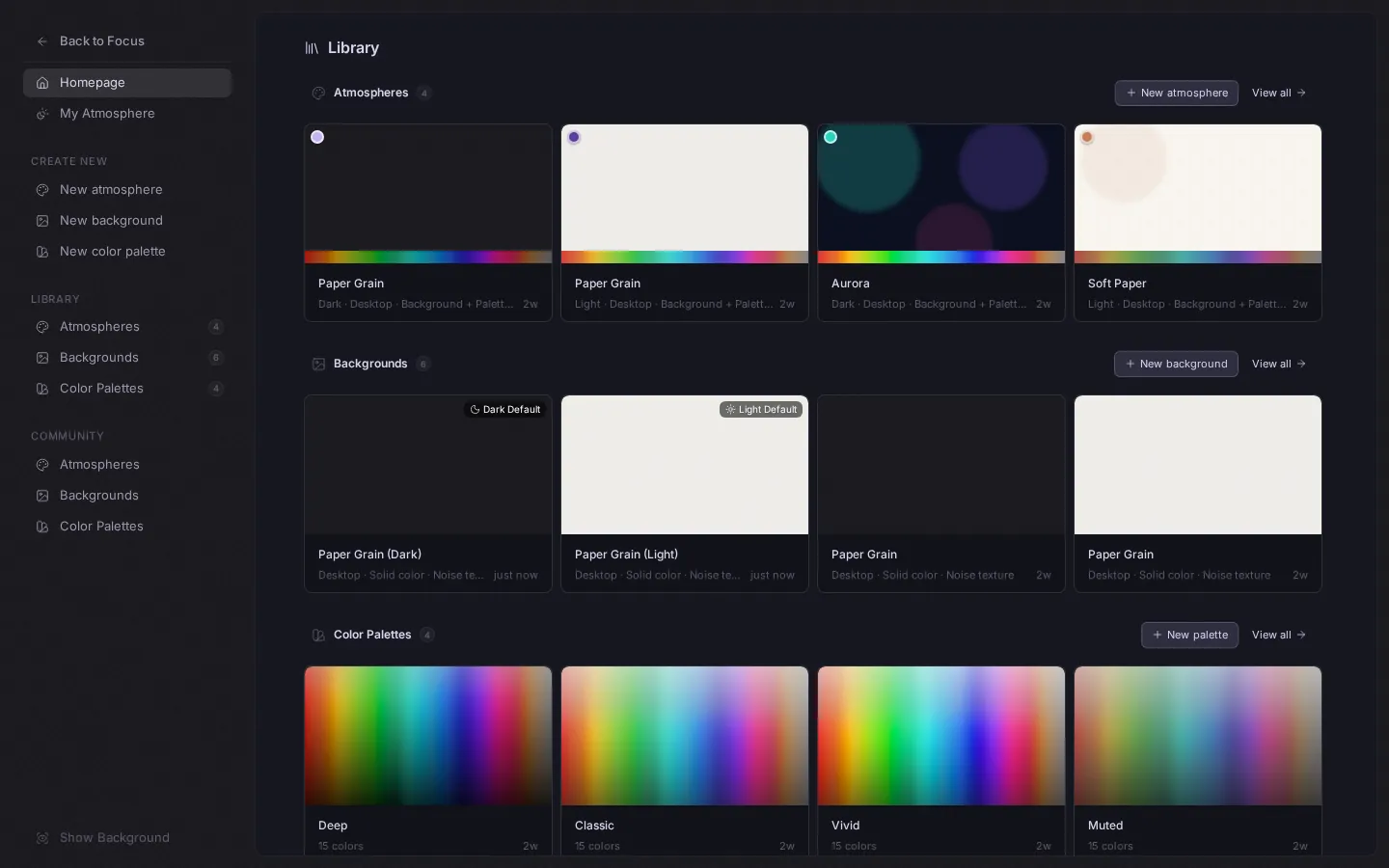
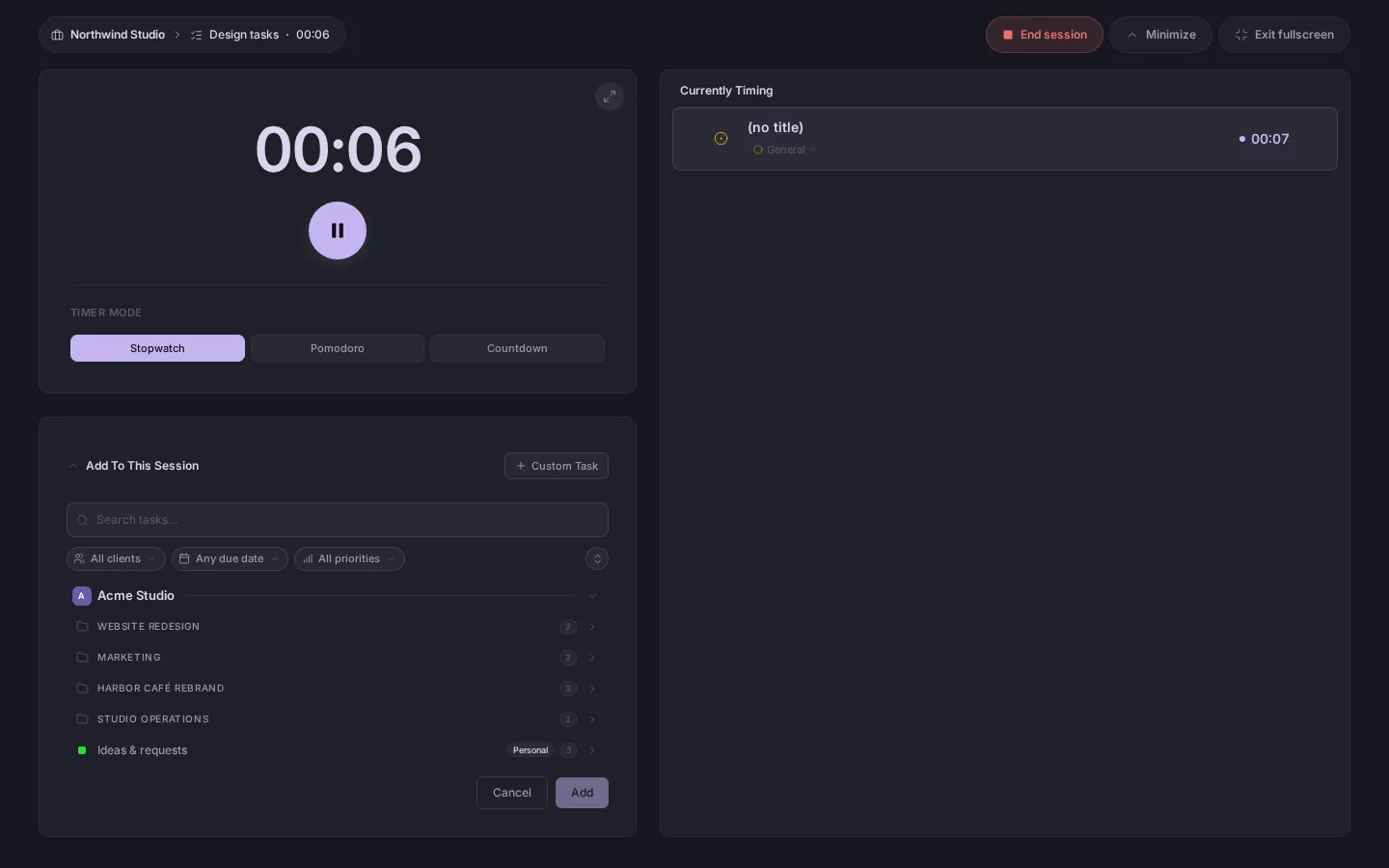
Choose a background, a colour palette and a light or dark look, then save the whole thing as an atmosphere, one for light and one for dark.
Community atmospheres and items
Share your atmospheres, backgrounds and palettes with the community, and use ones other people made. Each comes with its own background and palette.
Works on a phone
A bottom bar, readable lists and a task panel that slides up. Everything works with a thumb.
Install it
Add Focus to your home screen or desktop and it opens in its own window.
Your language
Available in 23 languages, including right-to-left ones. Everyone in a team chooses their own.
Track the time
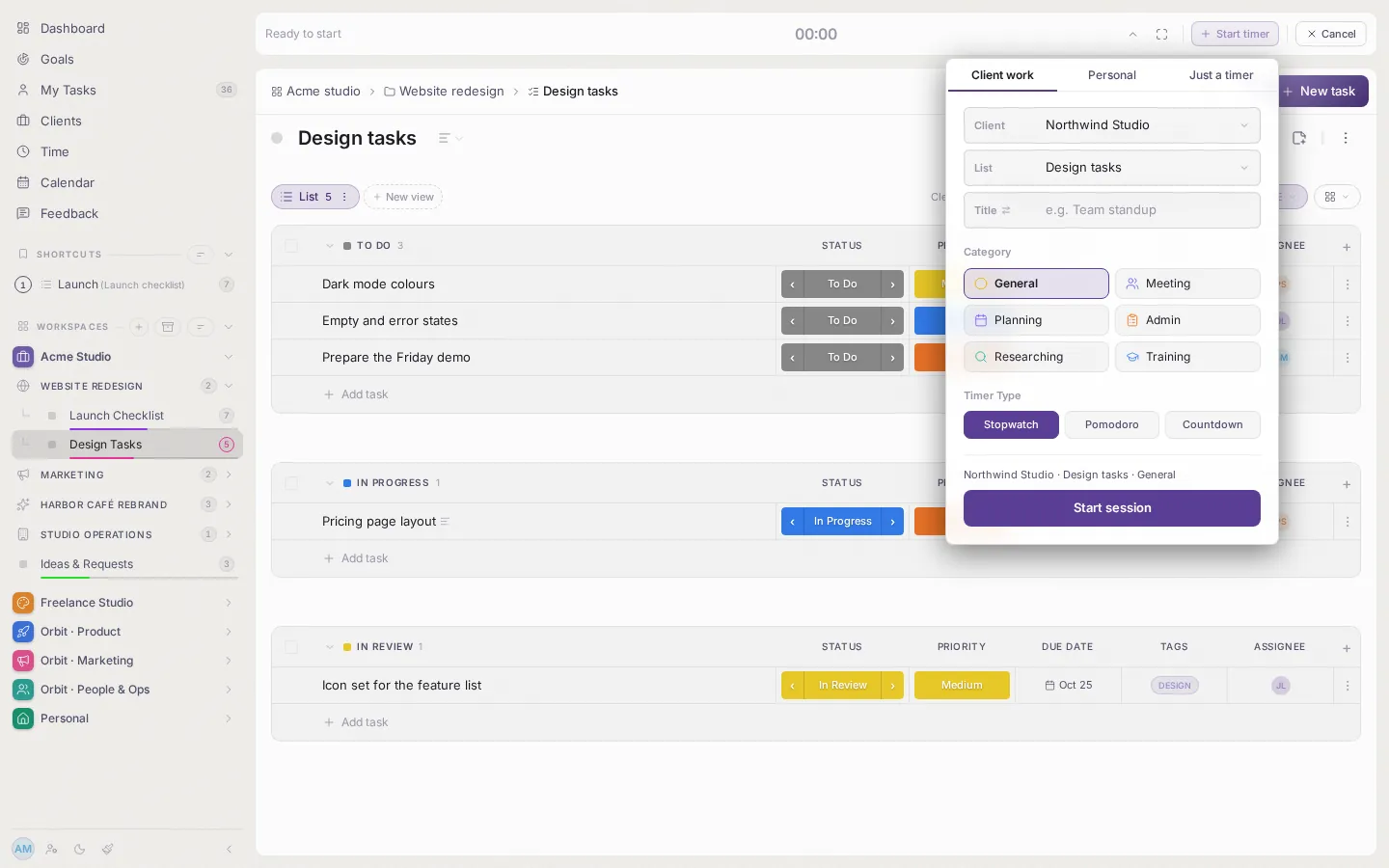
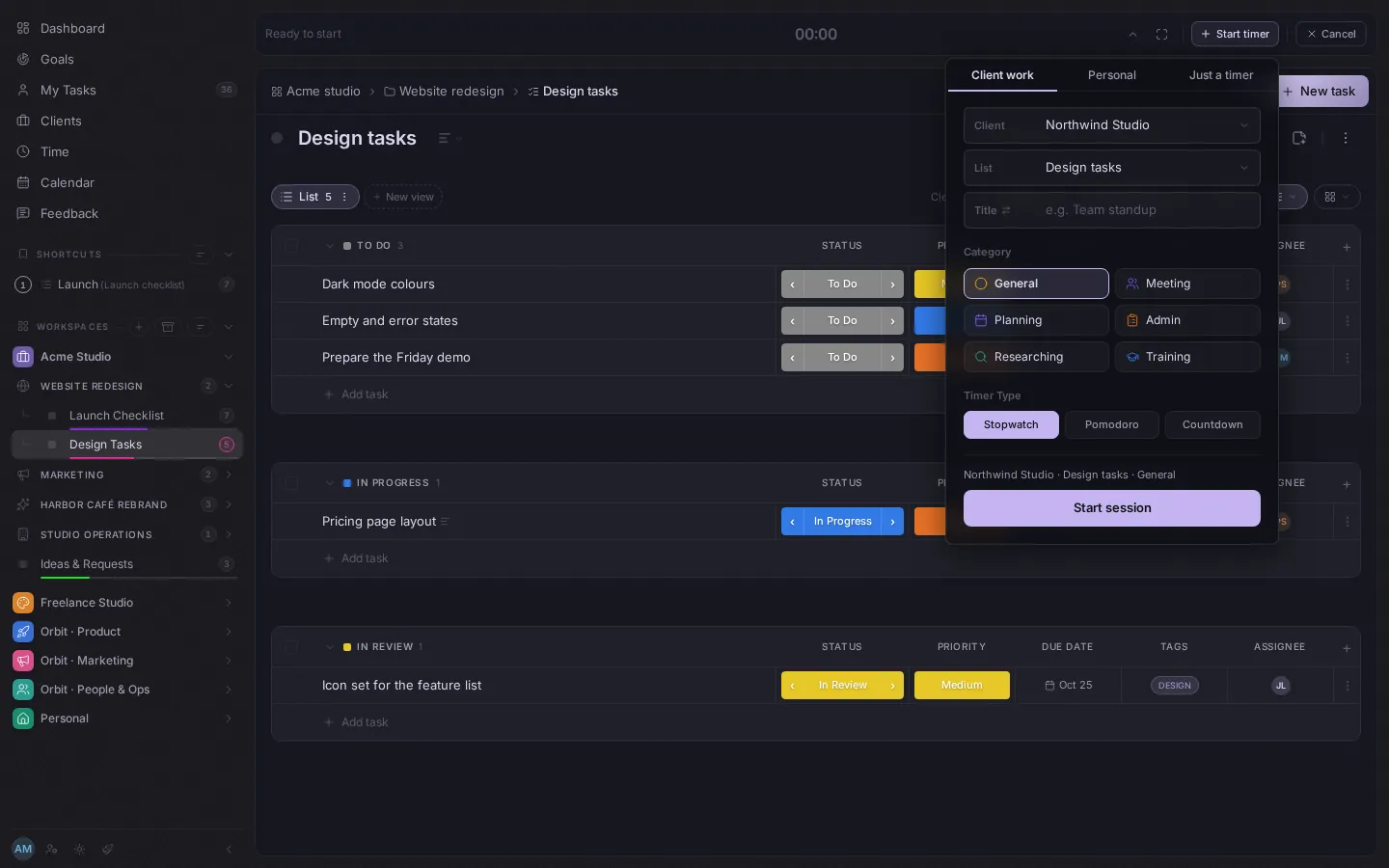
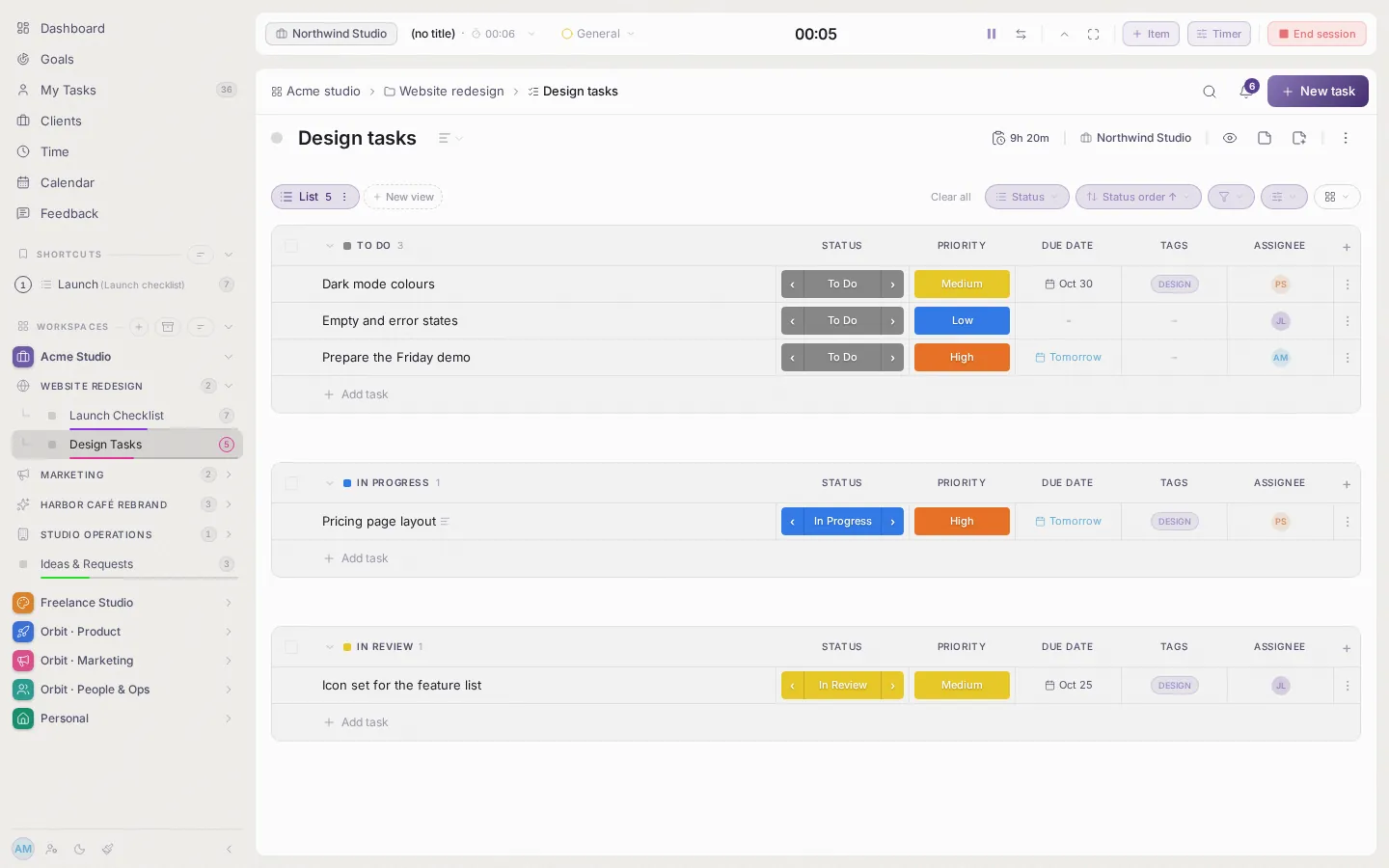
Optional. Start a timer on any task, or add the time afterwards. Switch time tracking off for the account and it disappears everywhere.
Track time your way
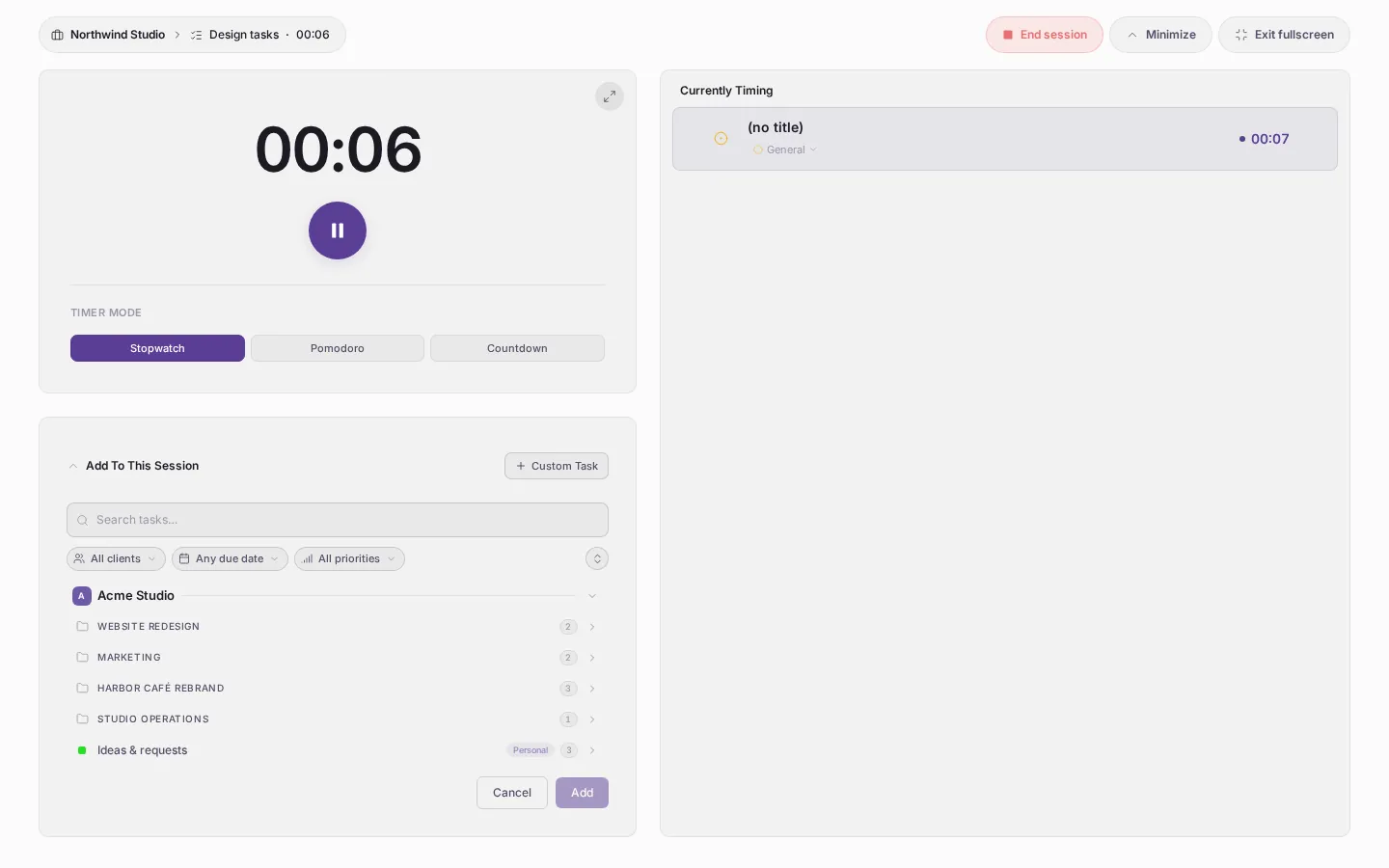
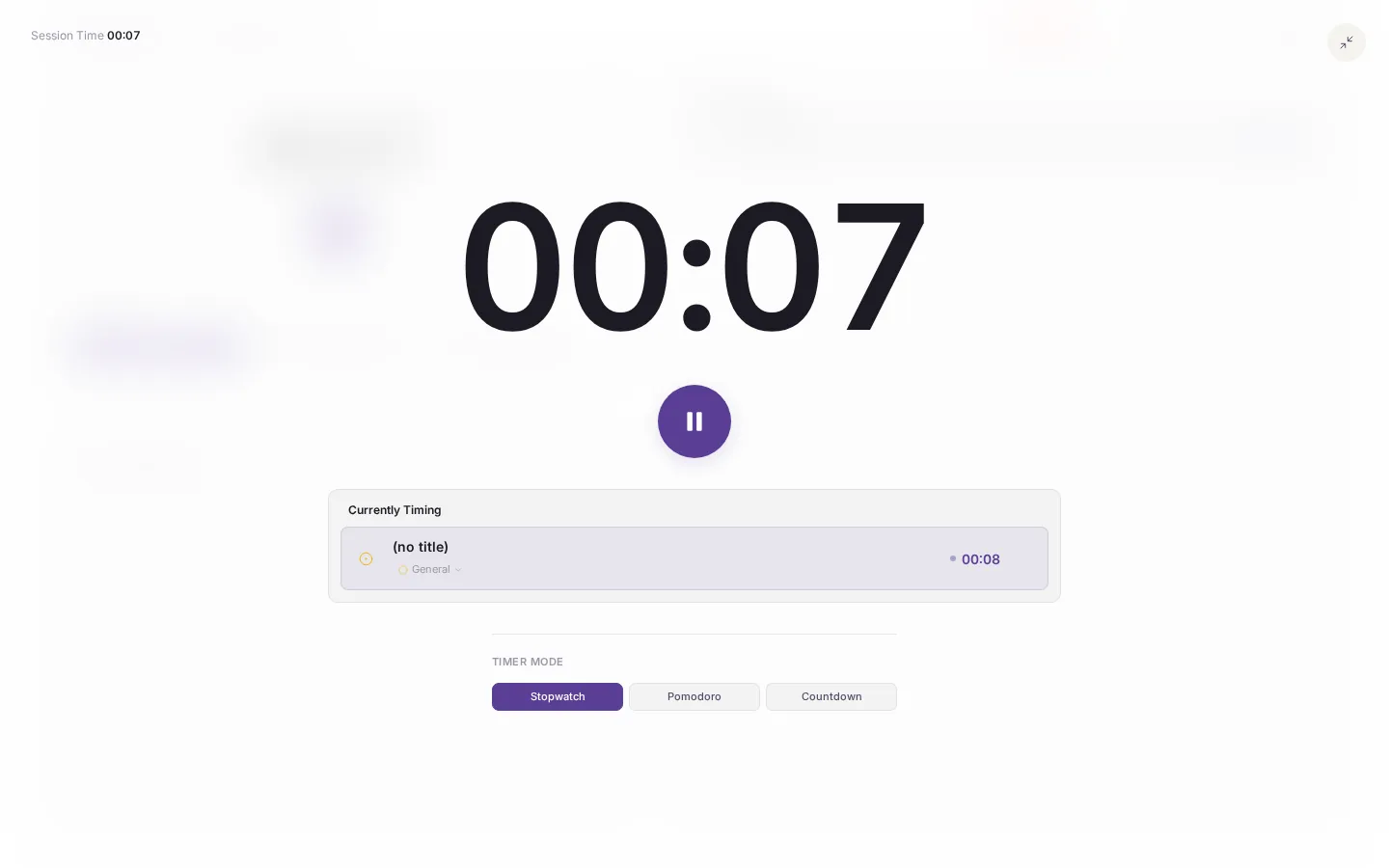
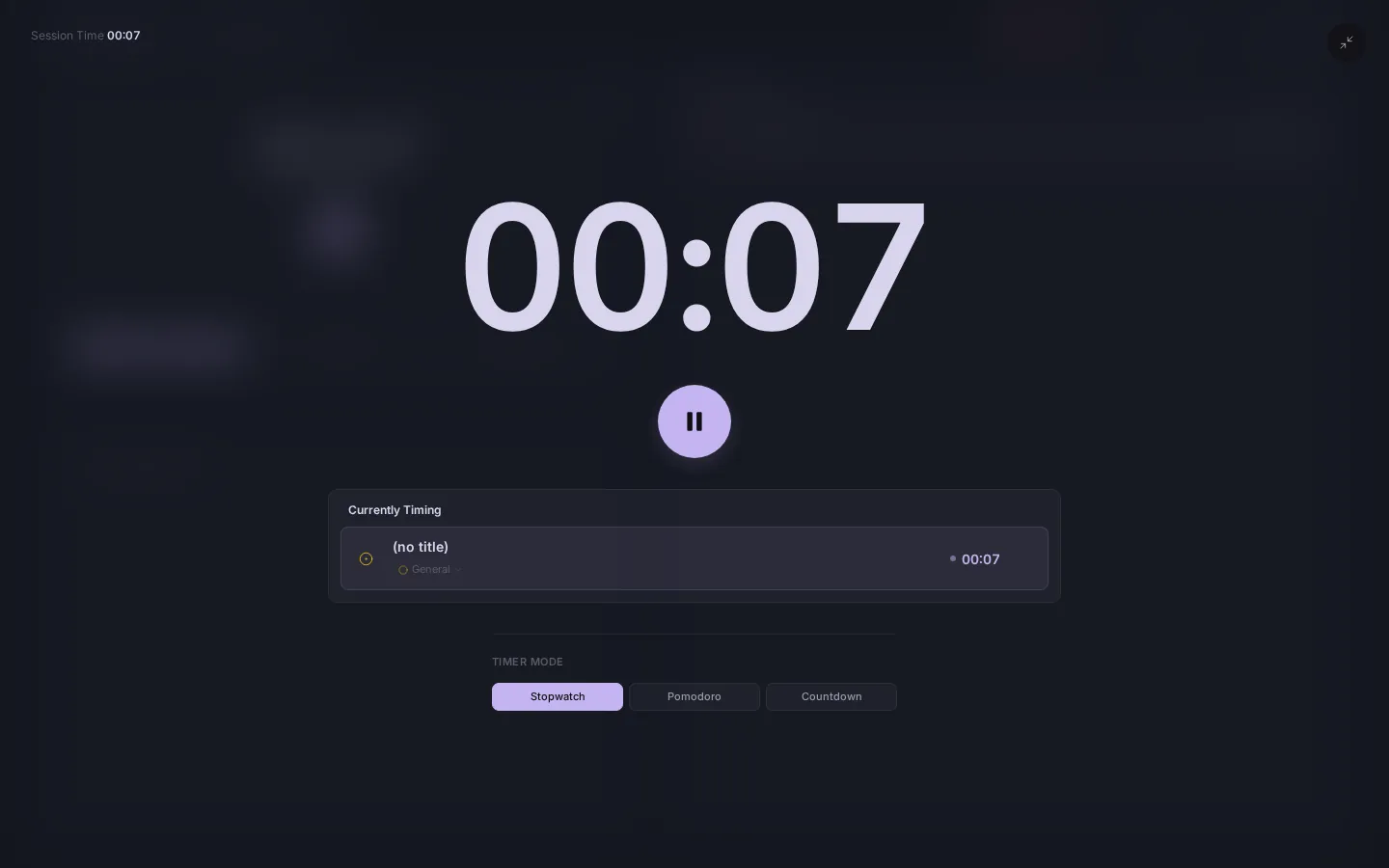
One timer system, three ways to use it: a stopwatch, a countdown or a Pomodoro with breaks. Forgot to start it? Type the time in later.
Full screen and zen mode
Turn the screen into one task and one clock. Zen mode takes everything else away.
The Focus page
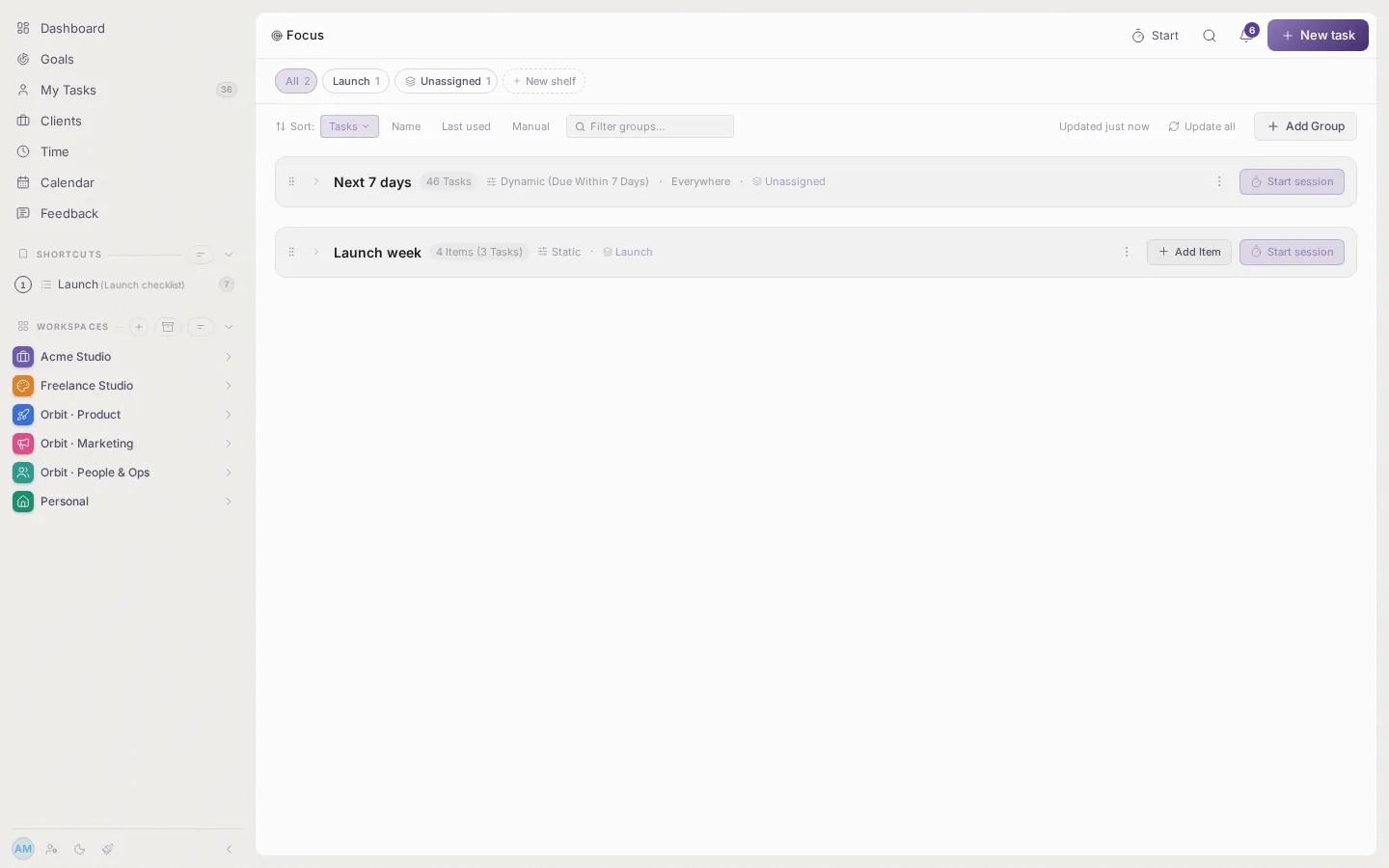
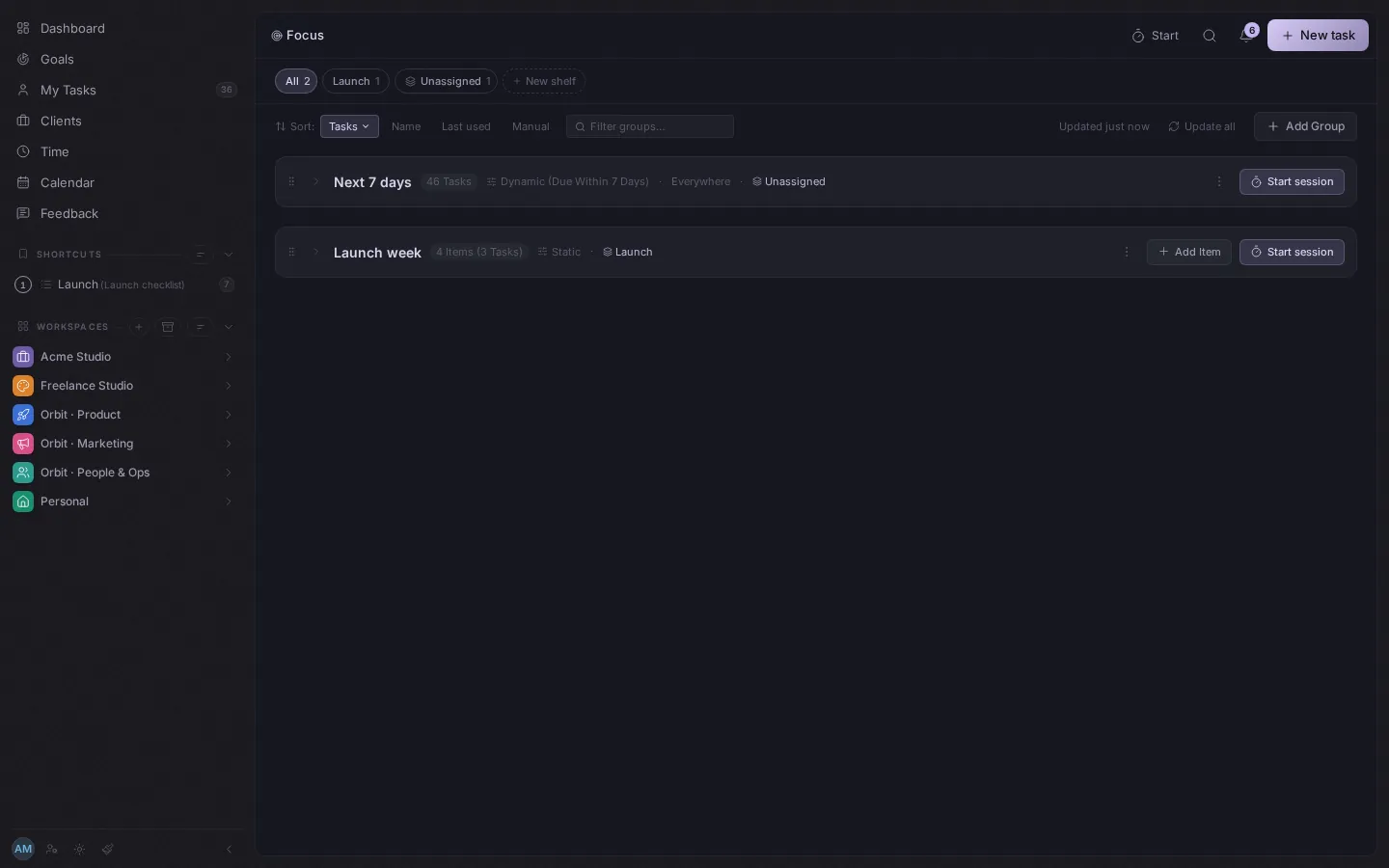
Gather the tasks for today into groups and shelves, then work through them one by one.
Your hours
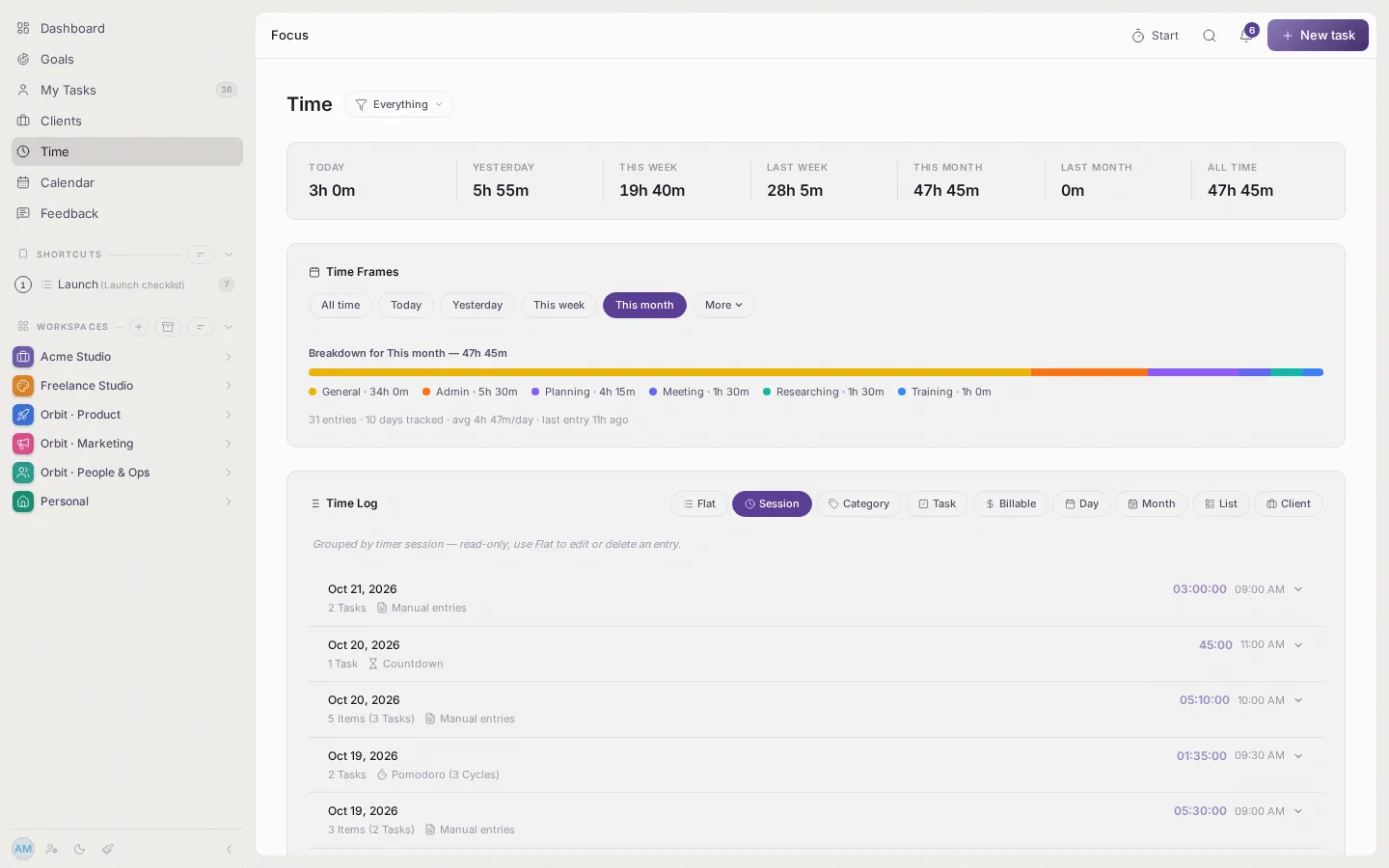
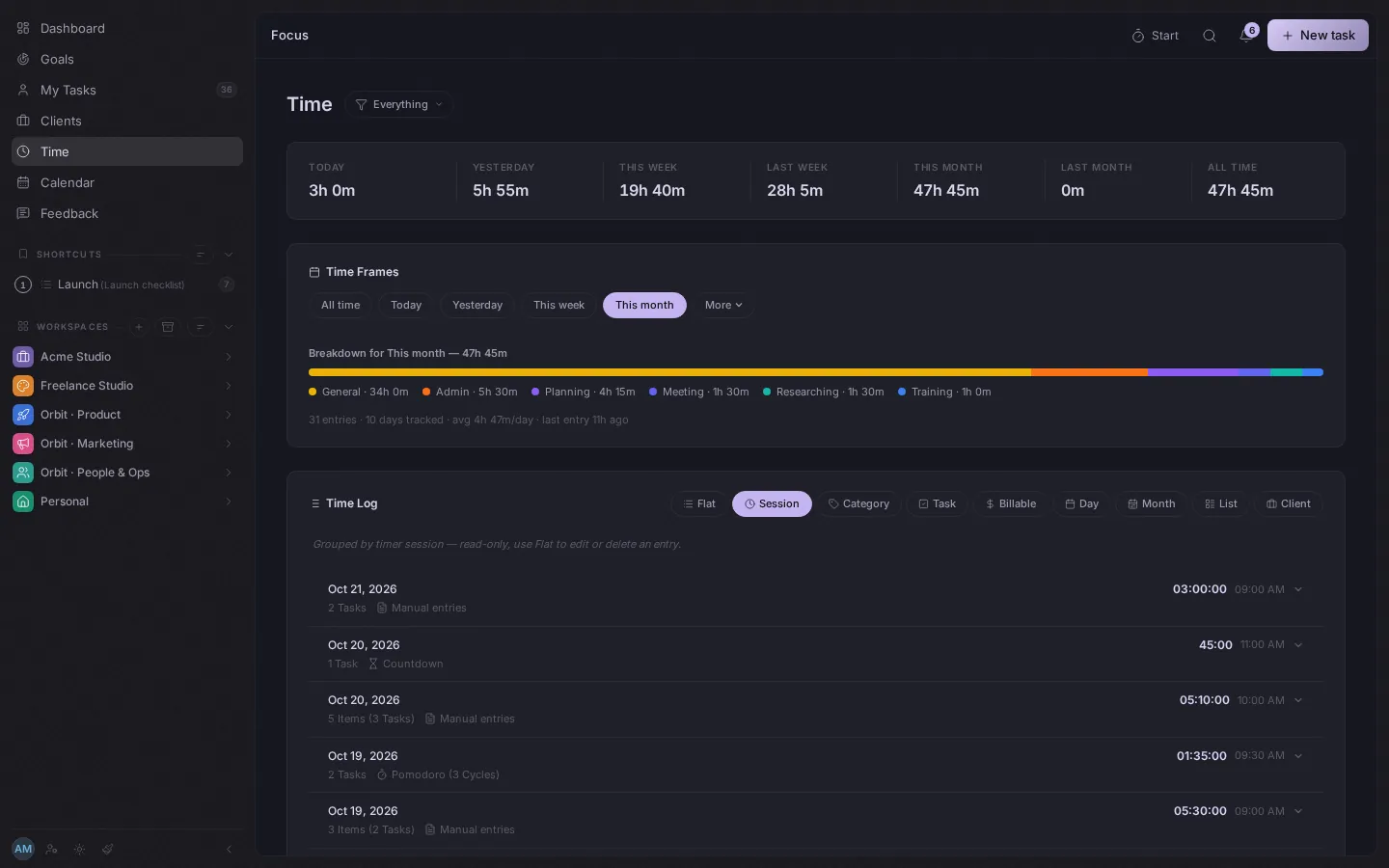
The Time page shows today, this week and this month, split by kind of work and by list.
Work together
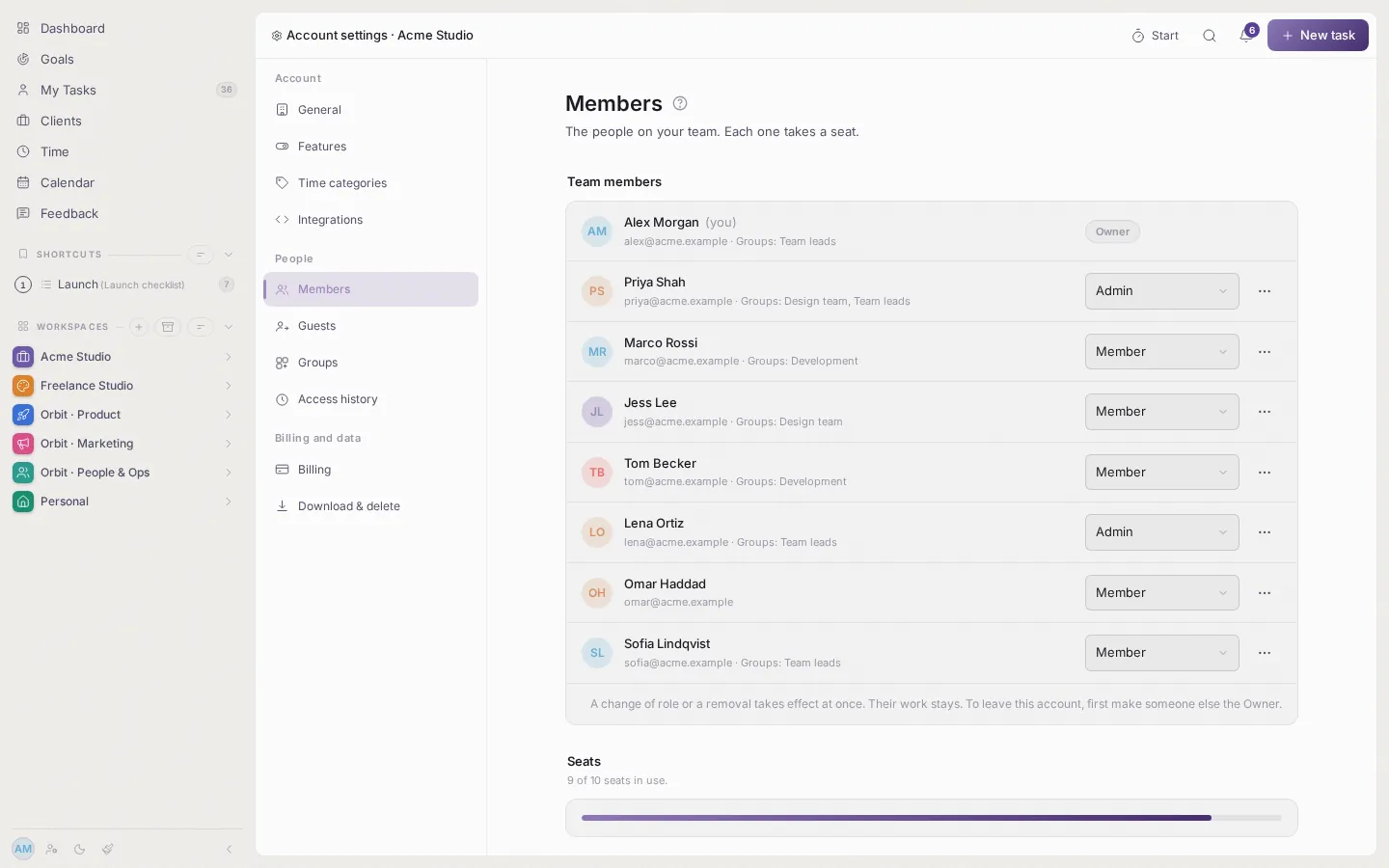
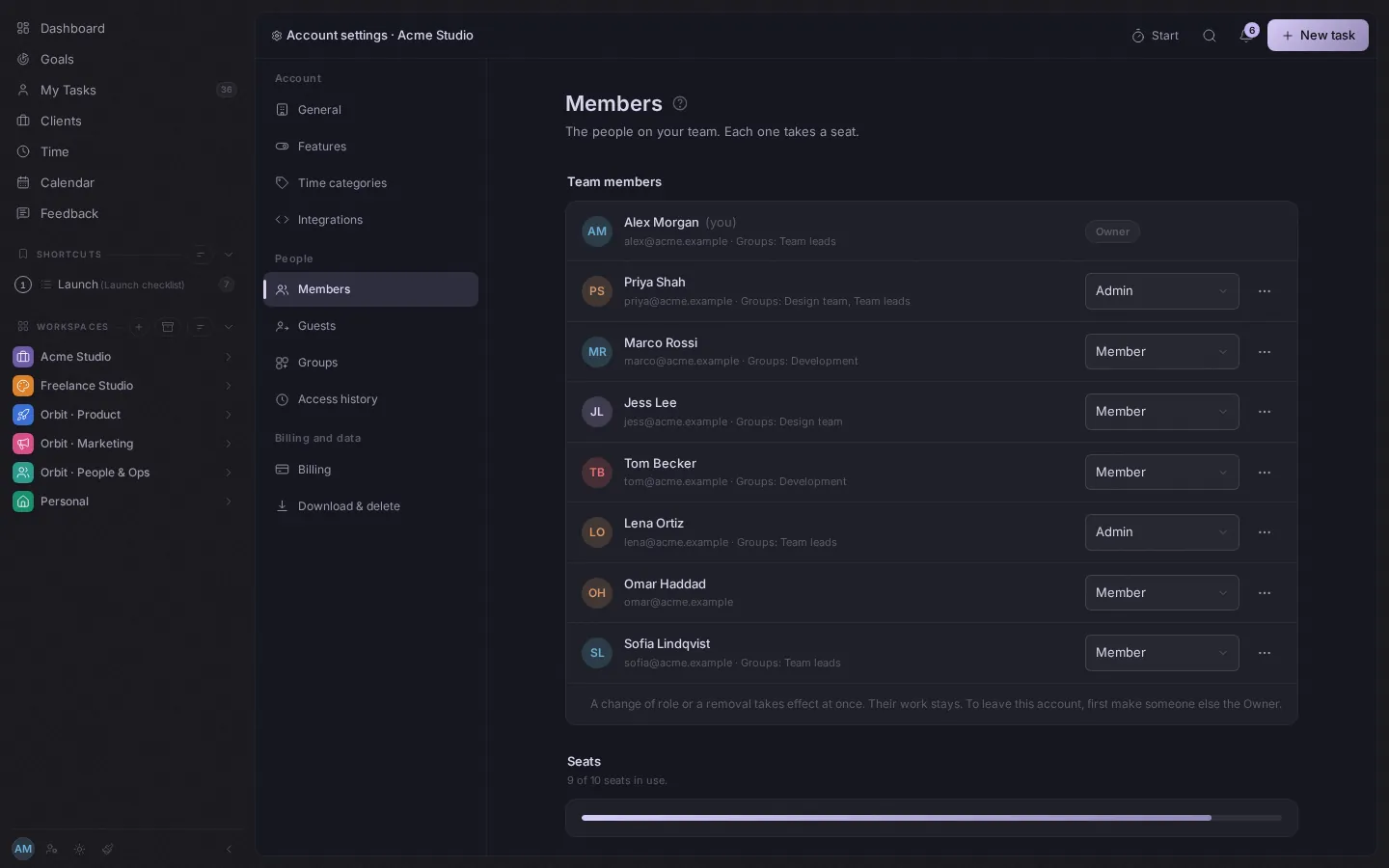
On your own you will never see this. With people, invite them, give them a role, and share only what they should see.
Teams and sharing
Put people in groups with a role. Share a whole folder or just one list.
Guest contributors
Share one list or folder with someone outside the team. They join as a free guest and can contribute to just that, never the rest.
Seats
Every team member is one seat, at $10 a month. Guests are free. On your own, you are one seat.
API keys and webhooks
Reach your work from other tools with keys limited to the account, a workspace, a folder or a list. Export tasks as CSV or JSON.
Work with clients
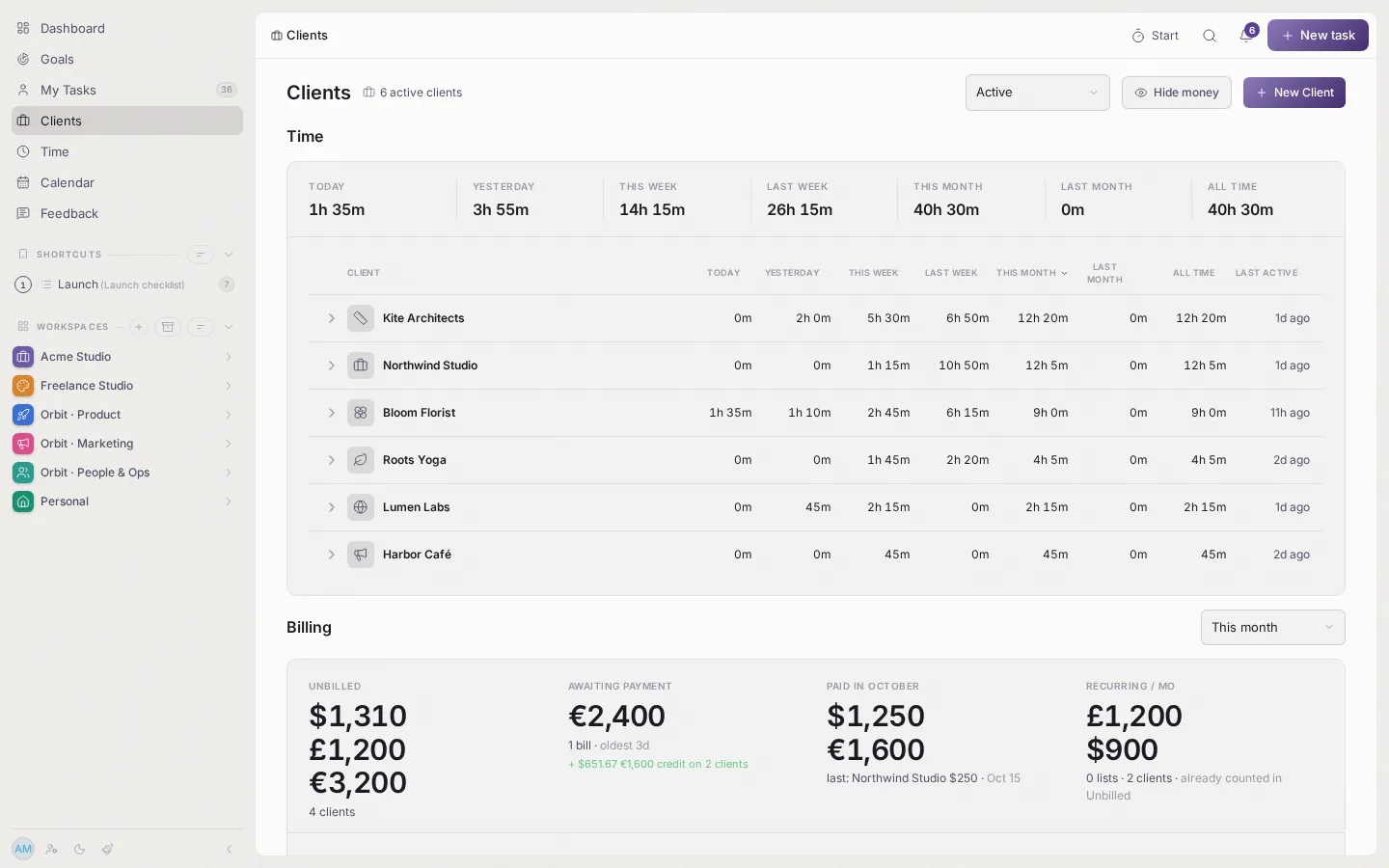
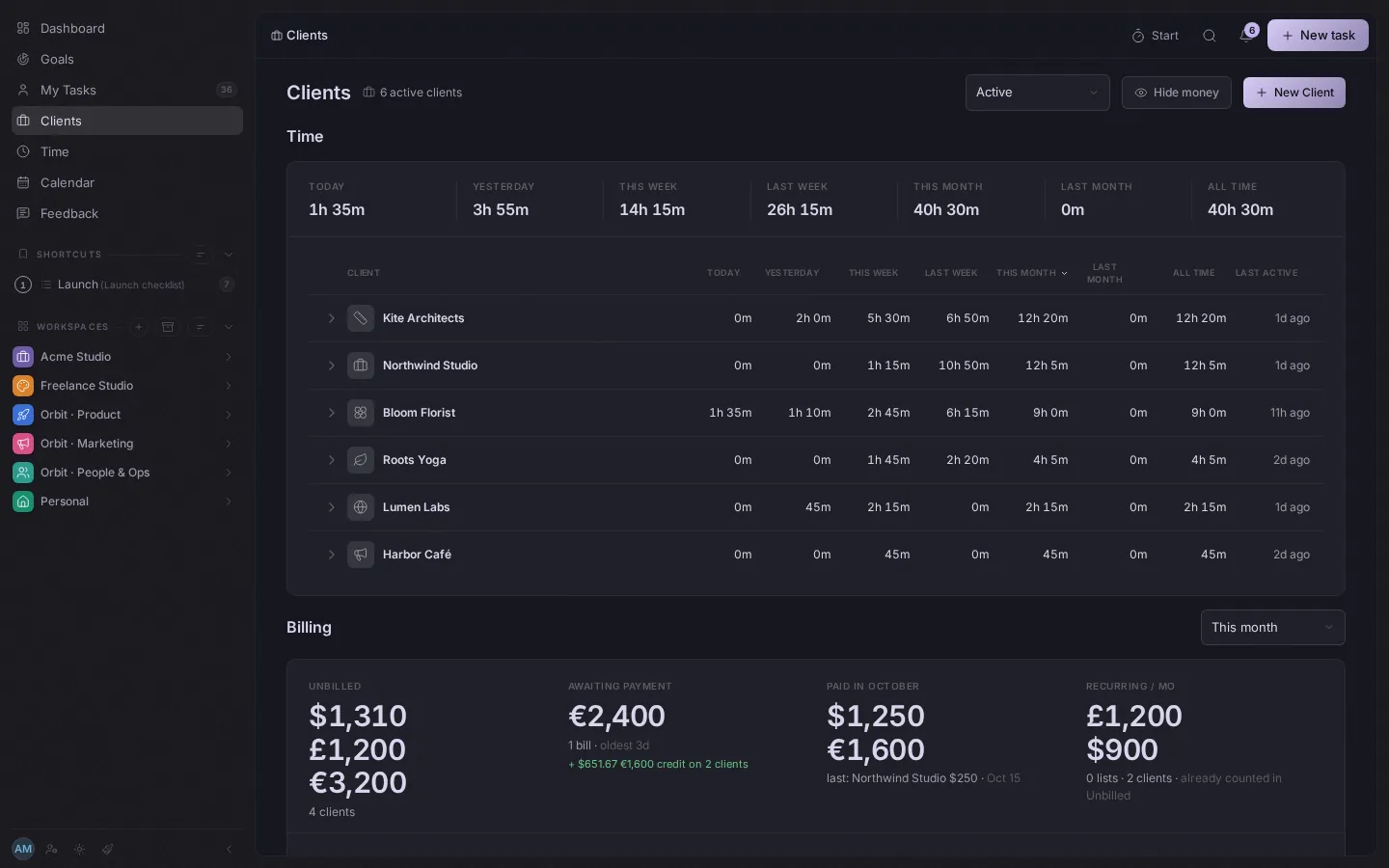
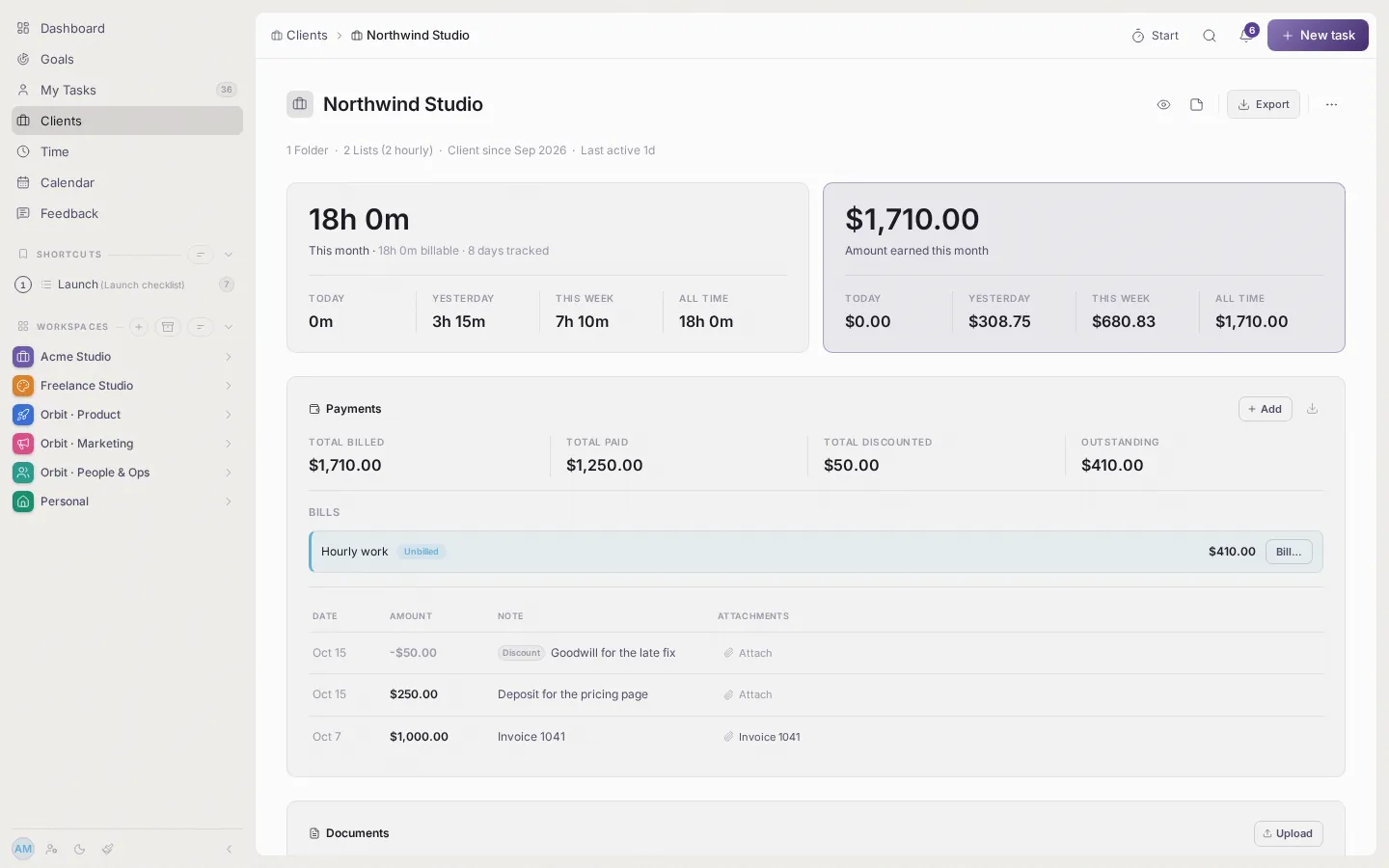
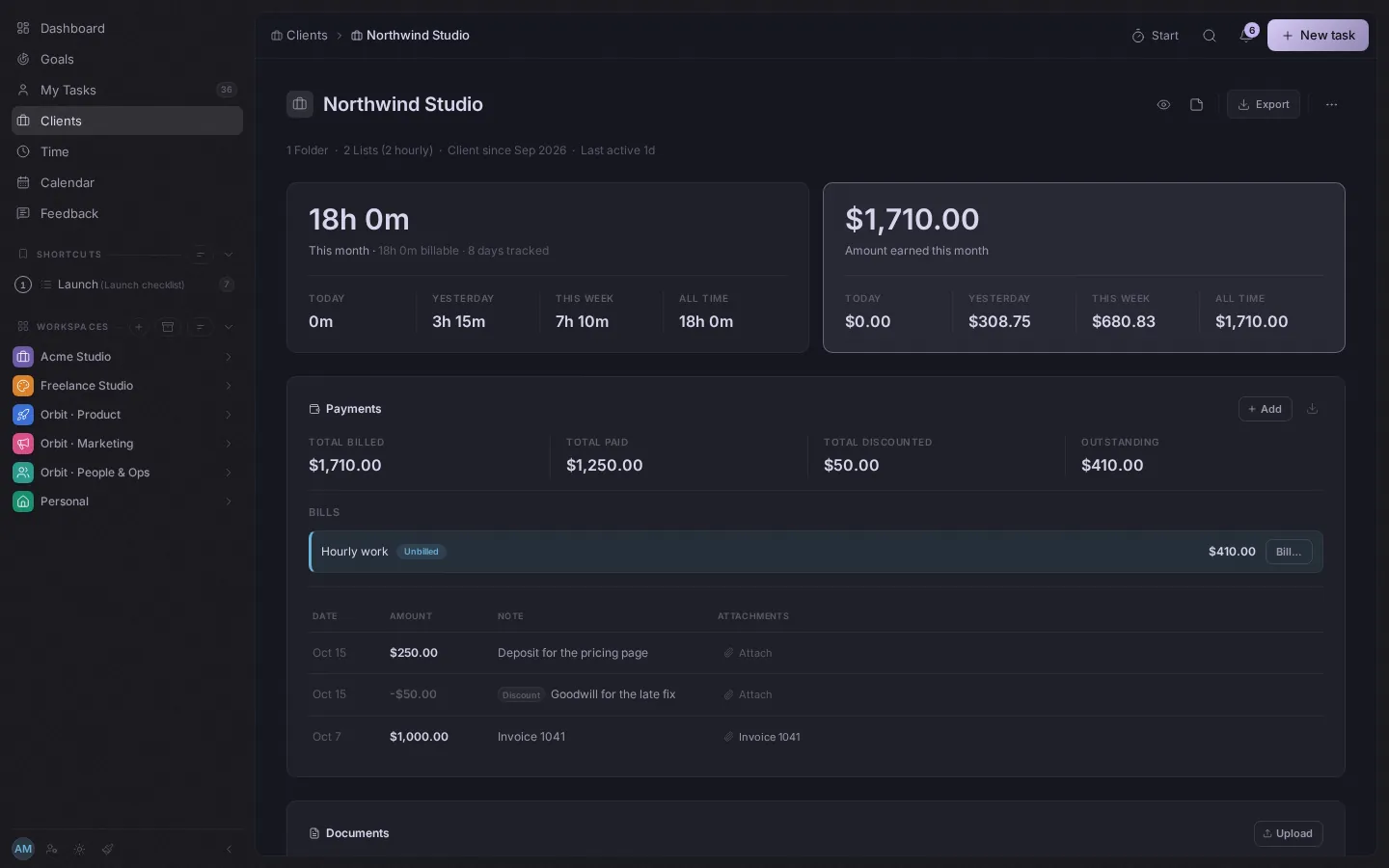
Only if you have clients. Give one a rate and the hours you track become what you can bill. Switch Clients off and none of it appears.
Rates and fees
An hourly rate, a flat fee or a monthly fee, with discounts taken into account.
Statements
See what is ready to bill, what is paid and what is still open, then send a statement.
Documents and exports
Keep a client's documents on their page, and export their tasks and time.